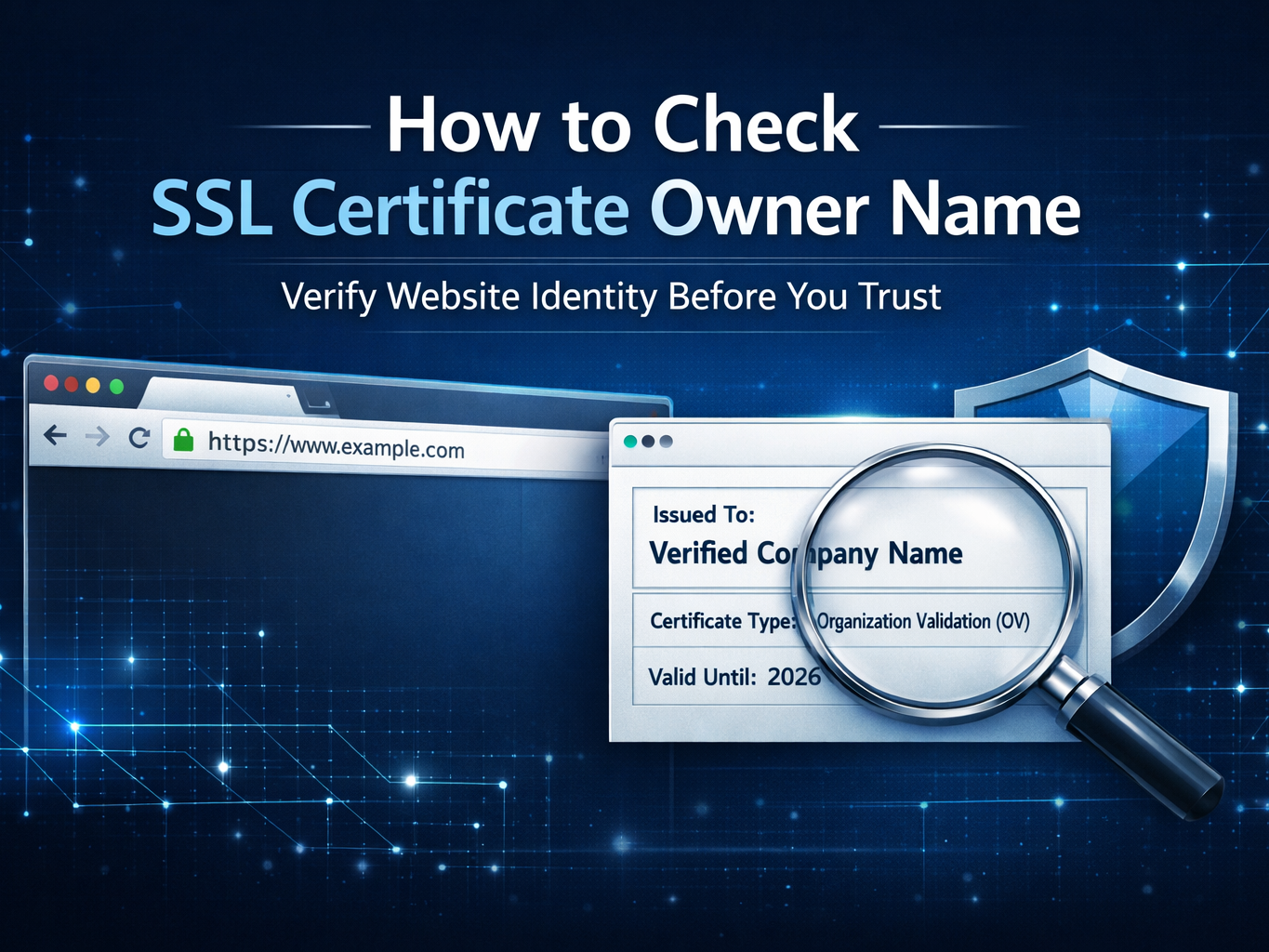
How to Check SSL Certificate Owner Name (Complete Guide 2026)
In today’s digital world, website security is no longer optional. Whether you are browsing, running a business website, or analyzing competitors, knowing how to check SSL certificate owner name is extremely important.
After all, an SSL certificate proves who actually owns a website. However, many users still do not understand how to verify it properly.
Therefore, in this complete guide, we will explain:
- What an SSL certificate is
- Why checking the owner name matters
- Step-by-step methods to verify it
- Tools you can use
- Common mistakes
- Security risks
- SEO & trust impact
- Advanced verification techniques
Let’s begin.
🔐 What Is an SSL Certificate?
An SSL (Secure Sockets Layer) certificate is a digital certificate that authenticates a website’s identity and enables encrypted communication between a browser and a server.
When you see:
https://
🔒 Lock icon
That means the website has an SSL certificate installed.
However, not all SSL certificates show the same level of ownership details.
Types of SSL Certificates (Important for Owner Verification)
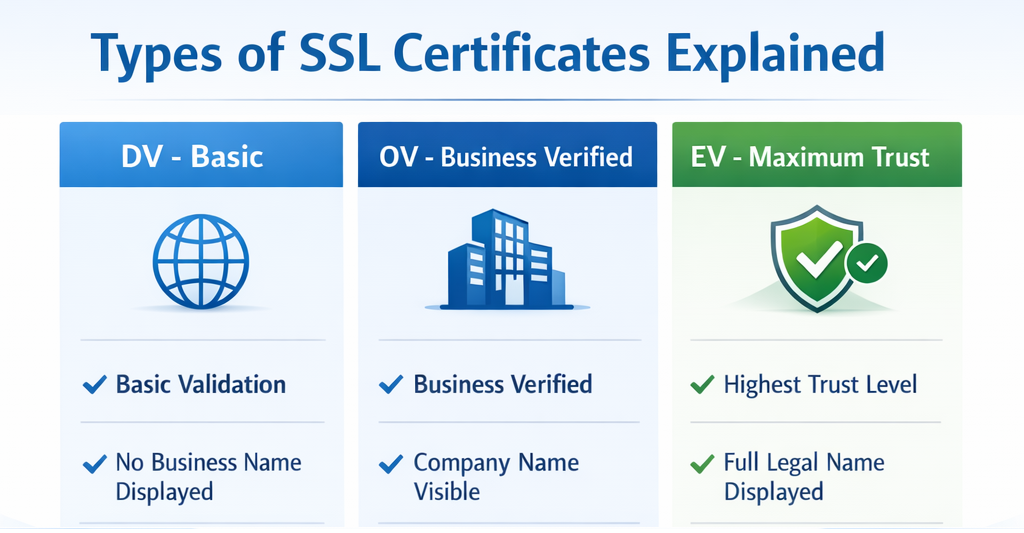
Understanding certificate types is crucial before you check SSL certificate owner name.
1️⃣ Domain Validation (DV)
- Basic validation
- Only verifies domain control
- Does NOT show company name
- Easy to obtain
👉 Most phishing websites use DV certificates.
2️⃣ Organization Validation (OV)
- Verifies business identity
- Shows organization details
- More trustworthy
3️⃣ Extended Validation (EV)
- Highest security level
- Shows company legal name
- Previously displayed green address bar
💡 Therefore, if you want to clearly identify the owner, EV certificates are the most transparent.
Why You Should Check SSL Certificate Owner Name
Many people assume HTTPS automatically means safe. However, that is not always true.
Here’s why checking ownership matters:
1. Prevent Phishing Attacks
Cybercriminals often install basic SSL certificates on fake websites.
2. Verify Business Legitimacy
If you are entering payment details, always confirm the certificate owner.
3. SEO & Trust Factor
Google prioritizes secure websites. According to Google’s security guidelines:
https://developers.google.com/search/docs/advanced/security/https
Secure websites gain better trust signals.
4. Competitive Research
Companies often inspect SSL ownership for competitor validation.
Step-by-Step: How to Check SSL Certificate Owner Name
Now let’s move to practical steps.
Method 1: Using Browser (Chrome, Edge, Firefox)
Step 1:
Click the 🔒 lock icon in the address bar.
Step 2:
Click “Connection is secure”.
Step 3:
Select “Certificate is valid”.
Step 4:
Look for:
- Issued To
- Organization
- Valid From / To
- Certificate Authority
If it is an OV or EV certificate, the owner name will appear clearly.
However, if it is DV, you may only see the domain name.
Method 2: Using Online SSL Checker Tools
You can use tools like:
- SSL Shopper
- DigiCert SSL Checker
- Qualys SSL Labs
- https://www.ssllabs.com/ssltest/
These tools provide:
- Owner details
- Certificate chain
- Expiry date
- Security grade
Method 3: Command Line (Advanced Users)
For technical users:
openssl s_client -connect example.com:443 -servername example.com
This shows full certificate details including issuer and subject.
⚠️ Common Mistakes When Checking SSL Owner
Many users misunderstand SSL data.
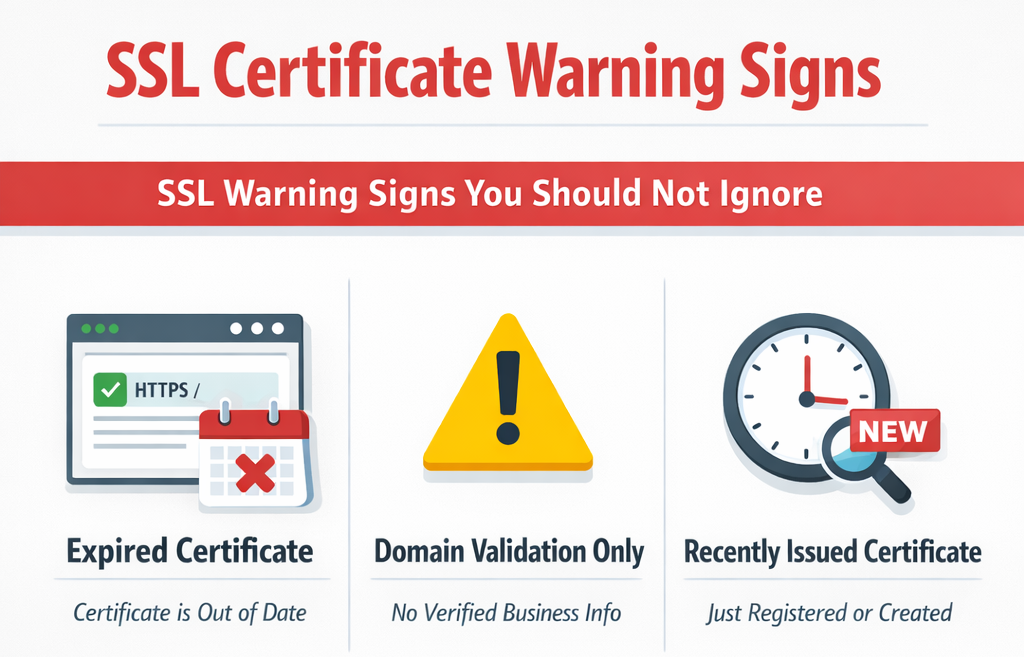
Mistake 1: Assuming HTTPS Means Trusted
Even phishing websites use SSL.
Mistake 2: Ignoring Certificate Type
DV certificates do not confirm business identity.
Mistake 3: Not Checking Expiry Date
Expired certificates can indicate neglect.
How SSL Ownership Affects SEO
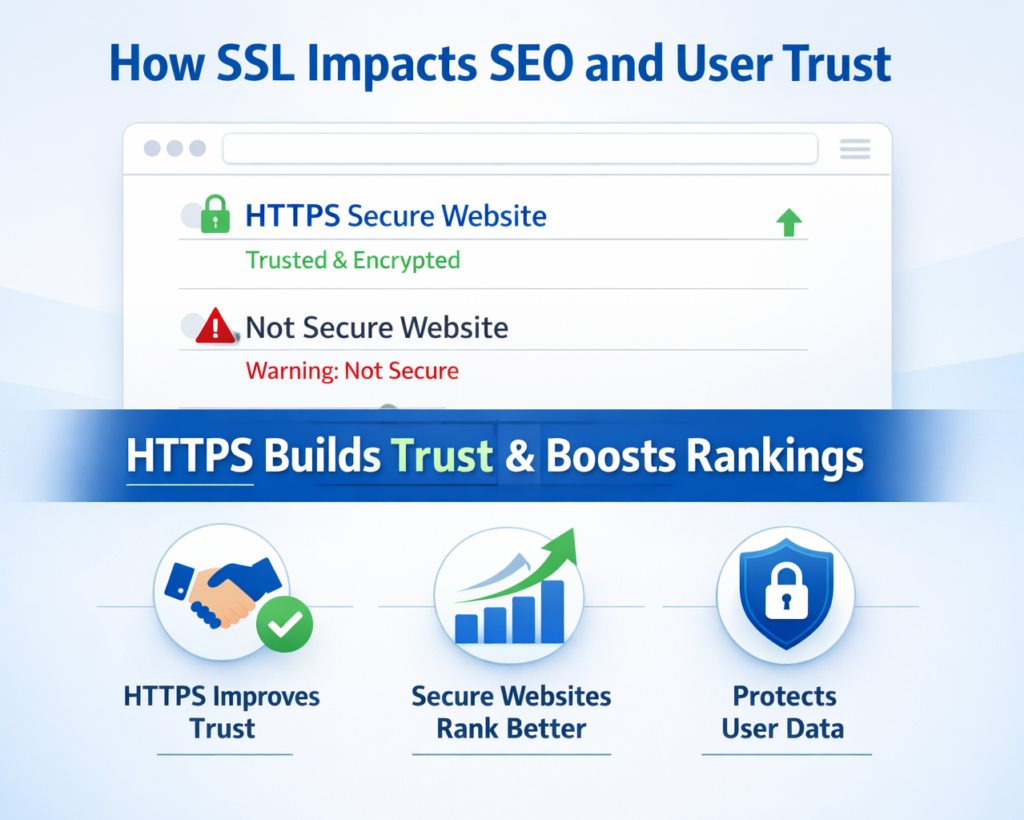
Google confirmed HTTPS as a ranking factor.
Moreover:
- Secure websites reduce bounce rate
- Users trust HTTPS sites more
- Browser warnings reduce traffic
👉 If your website security is weak, Google may display “Not Secure”.
For deeper security insights, you can explore advanced cybersecurity solutions such as:
https://botdef.com/
Botdef provides website security and digital protection insights that help prevent online threats.
Advanced SSL Verification Techniques
If you want deeper analysis:
Check Certificate Transparency Logs
Use:
https://crt.sh/
This helps detect:
- Duplicate certificates
- Suspicious issuance
Verify WHOIS + SSL Data Together
Combine SSL check with WHOIS lookup to confirm domain registration ownership.
Real-World Example
Imagine you receive an email from:
secure-payment-portal.com
It has HTTPS.
However, when you check SSL certificate owner name:
- It shows Domain Validation only
- No company details
- Recently issued
That is a red flag.
Pro Tip for Businesses
If you run a company website:
✔ Use Organization Validation or Extended Validation
✔ Display trust badges
✔ Keep certificate updated
✔ Monitor SSL health regularly
For professional security strategies, consider reviewing modern web protection techniques explained on Botdef’s cybersecurity resources section.
SSL Owner Verification Checklist
Before trusting a website:
- Check lock icon
- Open certificate details
- Verify organization name
- Check certificate type
- Confirm expiry date
- Cross-check WHOIS
- Review security grade
How to Monitor SSL Certificates for Your Website
You should:
- Set expiry alerts
- Use uptime monitoring tools
- Run monthly SSL audits
- Enable auto-renewal
Because even one expired certificate can harm trust and SEO.
Expert Insight Quote
“HTTPS protects data, but SSL ownership verification protects identity.”
This distinction is crucial in cybersecurity.
Conclusion
Checking SSL certificate owner name is not complicated. However, ignoring it can be dangerous.
Therefore, whether you are:
- A business owner
- A cybersecurity professional
- A developer
- Or an everyday user
Always verify SSL ownership before trusting a website.
Because in cybersecurity:
Encryption protects communication.
Verification protects reputation.