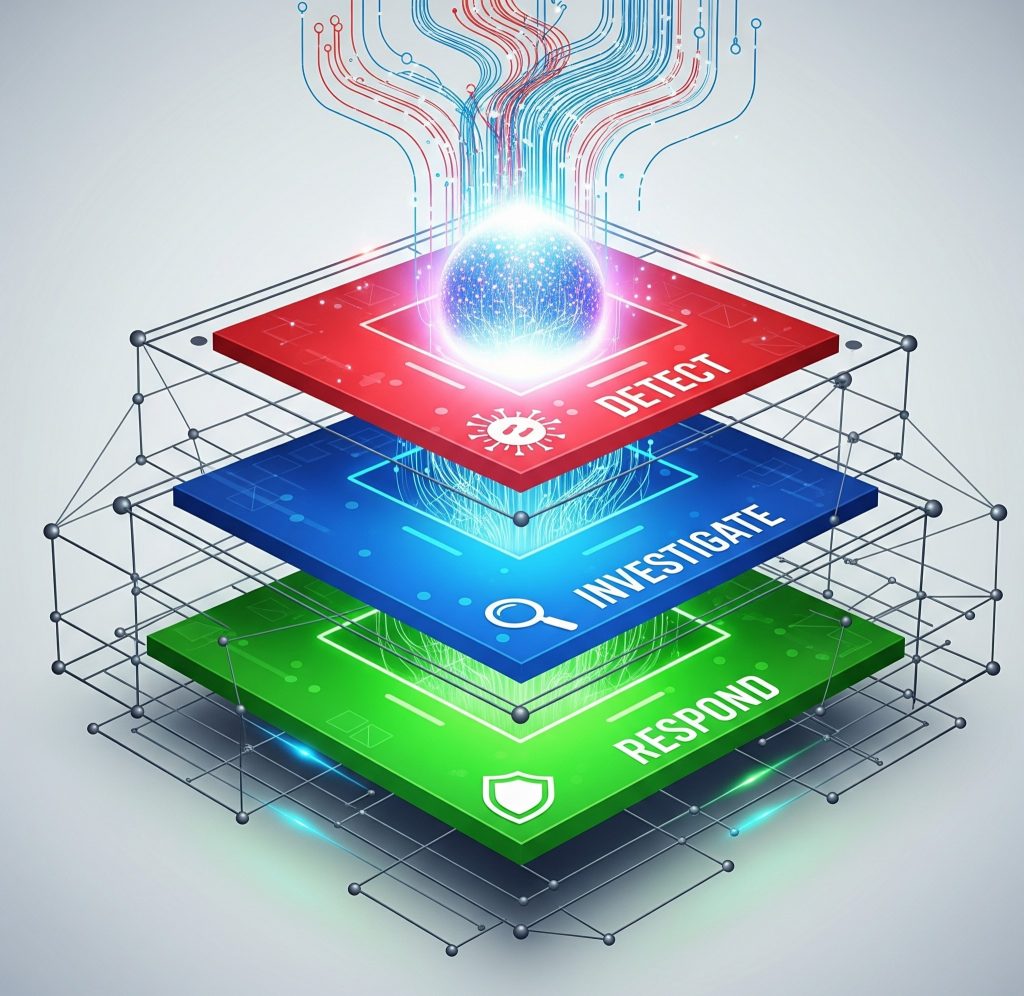
In today’s digital-first world, cybersecurity threats are becoming increasingly sophisticated. Therefore, businesses in 2025 must rethink how they secure their infrastructure—especially when scaling operations. One effective solution? A scalable security automation pipeline.
Let’s explore how to build one that’s robust, agile, and future-ready.
Why Security Automation Matters More Than Ever
As organizations embrace cloud-native apps, DevOps, and remote teams, manual security methods are no longer sufficient. Here’s why automation is key:
- Faster Threat Detection: Automated tools reduce response time.
- Reduced Human Error: Scripts and pipelines ensure consistency.
- Scalability: Automations grow with your infrastructure.
➡️ Related Post: Top 5 Security Automation Tools Every Business Should Know (2025 Edition)
Key Components of a Scalable Security Automation Pipeline
1. Continuous Integration & Continuous Deployment (CI/CD)
Security should be embedded early in the development cycle. Integrating tools like SonarQube, Snyk, or Checkmarx into your CI/CD ensures vulnerabilities are caught early.
Tools to integrate: Jenkins, GitHub Actions, GitLab CI/CD
2. Threat Detection & Monitoring
Once code is deployed, tools like Wazuh, OSSEC, or CrowdStrike can continuously monitor systems for suspicious activity.
3. Identity & Access Management (IAM)
Automate role-based access using platforms like Okta or AWS IAM to ensure only authorized users have access to sensitive data.
4. Container Security
With Kubernetes and Docker dominating infrastructure in 2025, tools like Aqua Security, Twistlock, and Sysdig are essential for container scanning and policy enforcement.
How to Automate the Security Pipeline Step by Step
Step 1: Define Security Policies
Clearly outline what needs to be enforced (e.g., no exposed secrets, minimum password length, approved packages only).
Step 2: Integrate into CI/CD
Add static application security testing (SAST) and dynamic testing (DAST) into your CI/CD jobs.
Step 3: Implement Real-Time Monitoring
Use Security Information and Event Management (SIEM) tools like Splunk, ELK Stack, or Graylog.
Step 4: Set Automated Alerts & Response Actions
Build playbooks with tools like SOAR (Security Orchestration, Automation, and Response) to take actions automatically—like blocking IPs or disabling accounts.
🔗 10 Emerging Security Automation Trends to Watch in 2025
Popular Security Automation Tools in 2025
| Tool | Purpose | Scalable? |
|---|---|---|
| Snyk | Vulnerability Scanning | ✅ |
| Wazuh | Intrusion Detection | ✅ |
| Splunk | Real-Time Monitoring | ✅ |
| AWS Security Hub | Cloud Threat Management | ✅ |
| Palo Alto Cortex XSOAR | Incident Response | ✅ |
Benefits vs Challenges of Security Automation
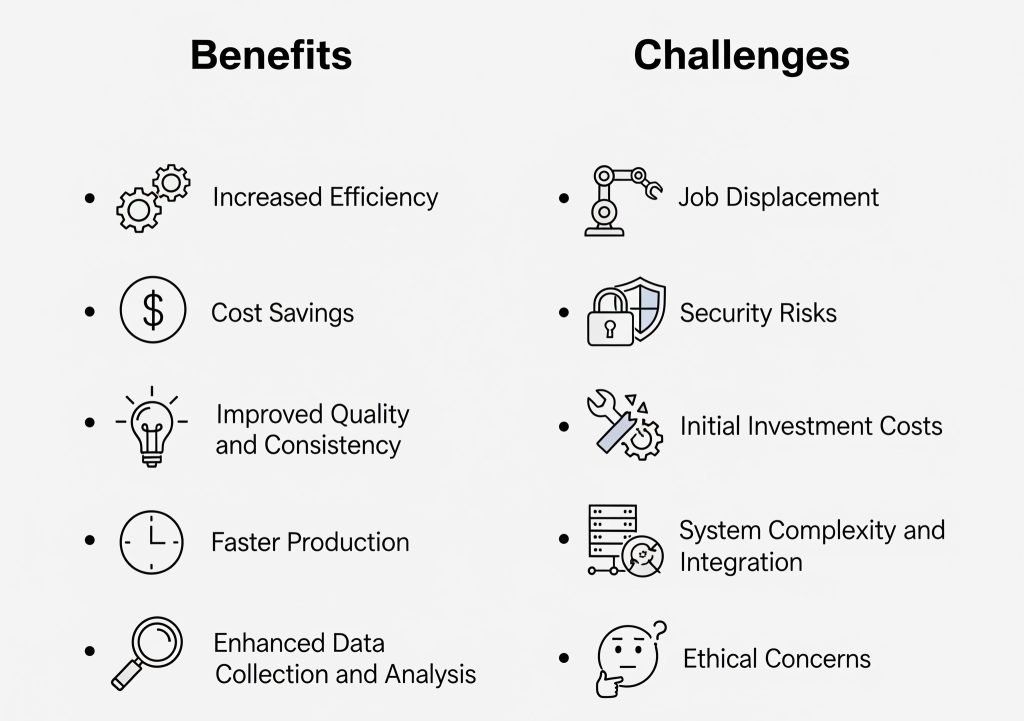
Benefits:
- Faster remediation
- Reduced workload on SecOps teams
- 24/7 monitoring without human fatigue
Challenges:
- High initial setup cost
- Tool compatibility issues
- False positives if not configured correctly
💡 Tip: Start with one area (e.g., code scanning) and scale gradually.
Best Practices for 2025
- Use infrastructure as code (IaC) security tools like Terraform with Checkov
- Implement Zero Trust Architecture
- Regularly review permissions and remove unused credentials
- Continuously train your developers on secure coding
🔗 https://www.elastic.co/elk-stack
Final Summary
A scalable security automation pipeline is no longer optional in 2025—it’s a necessity. By integrating the right tools, automating policies, and continuously improving your system, you can stay ahead of ever-evolving threats. Start small, automate wisely, and scale smartly.