
In today’s digital world, having the best antivirus software for Windows 2025 is no longer optional.—it’s essential. With cyber threats becoming more advanced, Windows users must stay one step ahead. In this blog, we break down the top 10 antivirus software for Windows in 2025, helping you make the smartest choice for your security needs.
🔍 Why Do You Need Antivirus in 2025?
Although Windows has built-in security tools like Windows Defender, it may not always be enough. New threats like AI-powered phishing attacks, ransomware, and zero-day exploits require robust third-party protection.
🔗 Quick Stat: According to Statista, cybercrime will cost the world $10.5 trillion annually by 2025.
🧩 How We Ranked the Best Antivirus Software for Windows 2025
To clarify, we evaluated these antivirus software options based on:
- Real-time protection
- User interface & ease of use
- System performance impact
- Value for money
- Extra features (VPN, firewall, parental control, etc.)
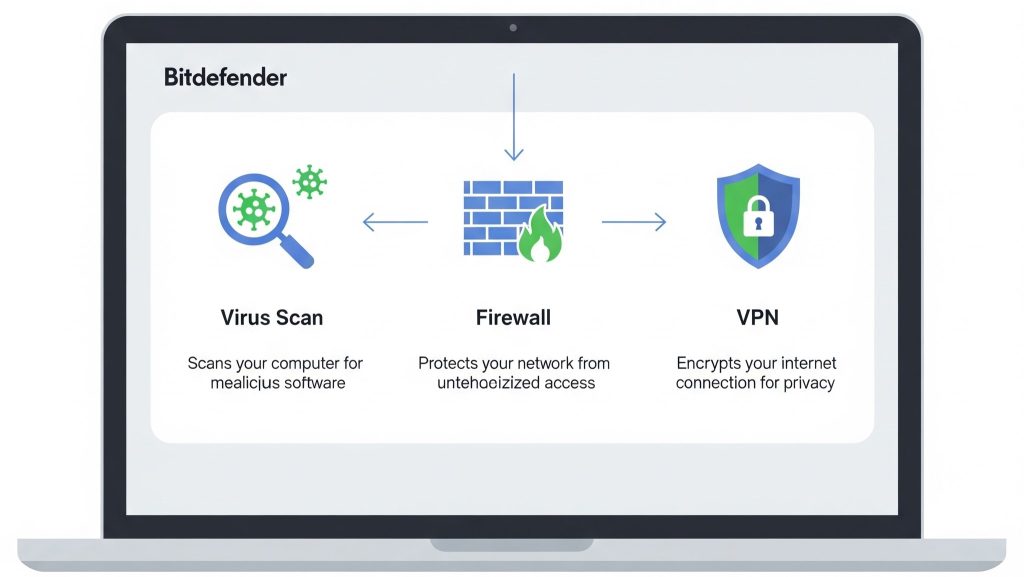
🥇 1. In fact, Bitdefender leads the pack with powerful multilayer protection.
Why It’s Great: Bitdefender leads the pack with powerful multilayer protection.
Key Features:
- Advanced ransomware protection
- Minimal system impact
- Built-in VPN (200MB/day)
- Parental controls
Pricing: Starts at $39.99/year for 5 devices
Pros: Fast scans, great malware detection
Cons: Limited VPN usage on basic plan
🥈 2. Norton 360 Deluxe
Why It’s Great: Full-suite protection with cloud backup and identity monitoring.
Key Features:
- 50GB cloud backup
- Password manager
- VPN with unlimited usage
- Dark web monitoring
Pricing: $49.99/year
Pros: Excellent customer support
Cons: Slightly heavy on older systems
🥉 3. McAfee Total Protection
Why It’s Great: Great for families and multiple devices.
Key Features:
- ID theft protection
- File shredder
- Performance optimization tools
Pricing: $34.99/year for 5 devices
Pros: Easy-to-use interface
Cons: May show occasional ads
🔒 4. Kaspersky Plus
Why It’s Great: Offers excellent threat detection with privacy-first features.
Key Features:
- Webcam protection
- Encrypted browser
- Two-way firewall
Pricing: $44.99/year
Pros: Superb real-time protection
Cons: Limited VPN on basic plan
🧠 5. ESET Smart Security Premium
Why It’s Great: Best for tech-savvy users and power PCs.
Key Features:
- Advanced diagnostics
- Network inspector
- Password manager
Pricing: $59.99/year
Pros: Lightweight and customizable
Cons: Not ideal for beginners
🌐 6. Avast One
Why It’s Great: All-in-one tool with free version available.
Key Features:
- Free plan with essential features
- Online privacy tools
- Anti-tracking system
Pricing: Free / $39.99/year
Pros: Great for budget users
Cons: Some features locked behind paywall
⚙️ 7. AVG Internet Security
Why It’s Great: Owned by Avast, strong for phishing protection.
Key Features:
- Real-time updates
- Enhanced firewall
- Anti-phishing tools
Pricing: $39.99/year
Pros: Easy to install
Cons: UI feels outdated
🧰 8. Trend Micro Maximum Security
Why It’s Great: Focused on privacy protection and anti-spam.
Key Features:
- Ransomware shield
- Email scam guard
- Social media privacy scanner
Pricing: $39.95/year
Pros: Best for email-heavy users
Cons: Can slow down browser
🔐 9. Webroot SecureAnywhere
Why It’s Great: Lightweight and cloud-based.
Key Features:
- Cloud scanning engine
- Lightning-fast installs
- Real-time anti-phishing
Pricing: $29.99/year
Pros: Uses very little RAM
Cons: Fewer advanced tools
🚀 10. Microsoft Defender Premium (Windows Defender)
Why It’s Great: Built-in and significantly improved.
Key Features:
- Real-time protection
- Firewall & network protection
- Controlled folder access
Pricing: Free
Pros: Deep Windows integration
Cons: Lacks premium features
💡 Tip: Use Microsoft Defender in combination with a lightweight third-party antivirus like Webroot for layered security.
🧾 Final Thoughts: Choosing the Best Antivirus Software for Windows 2025
In conclusion, all these options provide protection. While all these options provide protection, choosing the best antivirus software for Windows 2025 depends on your specific needs.
- For All-round Protection: Bitdefender or Norton 360
- For Lightweight Usage: Webroot or ESET
- For Budget Users: Avast or Microsoft Defender
Before buying, always check trial versions and compare features.
🔗 Top 5 Security Automation Tools (2025 Edition)